USER ACCESS MANAGEMENT
On the User Access window you will be able to give access to the different environments and clients of each of them for the users created
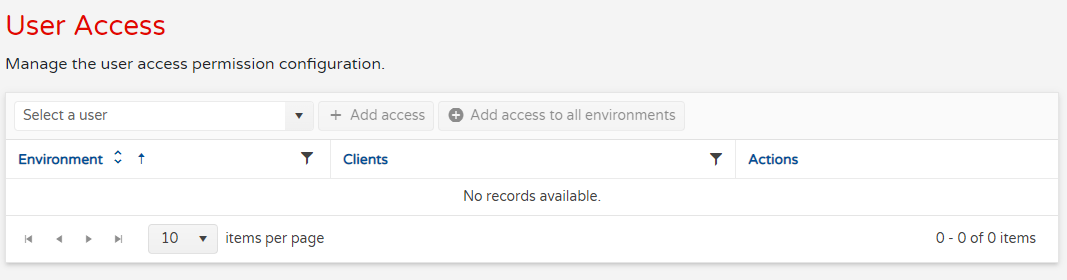
To do so please you will need to pick an existing user, once select now the Add Access button will activate, if there are any environments to which the user may be granted access, these environments can be picked from the drop down menu

Once the environment is selected you will be able to pick the client
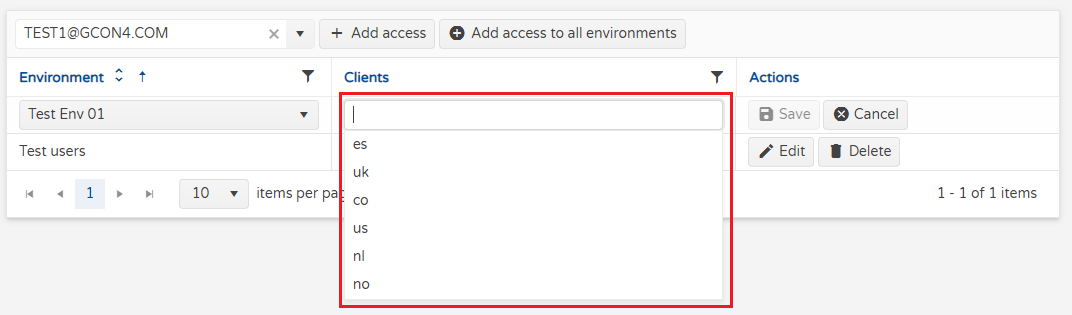
You may pick more than one client if you need it

Finally the access is created, you may always edit or delete them